Add Text to GIF
Create and customize animated GIFs in just minutes. With our online GIF maker, turning your ideas into fun, shareable animations has never been easier. Whether you want to add humor, highlight a moment, or deliver a message, this tool makes all the creative options available at your fingertips.
Our partners

Add Text to GIF
Add text to GIF nowEasily Create GIFs with Text
You do not need any complex software or technical abilities; it all happens in your browser, and the process is easy and pleasant. All you have to do is select a video or photo, add animations, and watch your GIF appear right away with the help of a few clicks.
You can also experiment with text, colors, and styles to make your GIFs really unique. The intuitive interface makes it possible to create quality GIFs that are shareable, regardless of whether you are a beginner or a skilled creator.
The process of making GIFs has never been so easy, enjoyable, and accessible to everyone, no matter the project.
Always dreamed of creating your own GIF?
With our online GIF maker, the options are limitless! You can create and add text to GIF, add captions to any video you choose, and transform them into unforgettable GIF files. Explore ideas from our free libraries to engage with your audience in the best way possible.
Simple & Free
Creating a GIF with customized text should feel effortless, and that’s exactly what this tool offers. With a GIF text maker, you can start creating without any technical knowledge or hidden costs.
Adding memorable captions to your videos is straightforward, allowing you to focus on creativity rather than complexity. Simply sign up, explore the features, and begin turning your ideas into animated GIFs for free in just minutes.
Choose Your Text Style
Choosing the right text style helps your GIF stand out and communicate clearly. You can easily add text to GIF using a variety of fonts designed to match different moods and messages.
Adjust the size, change colors, and position text anywhere within the frame. These flexible options allow you to design animated GIFs that look polished, visually appealing, and perfectly aligned with your creative vision.
Make GIFs From Any Video
Finding the right footage is never a problem. You can create a GIF from your own videos or select one from a vast content library. Once chosen, you can add caption to GIF clips to highlight moments or deliver a clear message.
This flexibility allows you to transform everyday videos into engaging GIFs that feel personal, expressive, and ready to share across different platforms.
GIFs for Texting
Personalized GIFs make conversations more fun and expressive. You can turn any photo or video into a GIF and enhance it with your preferred GIF caption using a range of text styles.
Whether you want to react, celebrate, or add humor to a message, these GIFs help you communicate emotions quickly and creatively, making everyday texting more engaging and memorable.
How to Add Text to a GIF
It has never been easier to add text to a GIF. Using the appropriate tools, it is possible to make interesting animations that can deliver a clear message and make your GIFs more interactive and entertaining.
With a GIF generator with text, anyone can make GIFs that easily appear professional with little effort, whether for social media, messaging, or personal projects.

Upload Video
Begin by adding a video to the editor or pick one from the extensive footage library. This provides you with a foundation to work with, be it a funny clip, a memorable clip, or a brief highlight. After uploading the video, it is now ready to have some text GIF customization, allowing you to make your GIF truly expressive.

Add Text
Click on the text option to add your caption to your desired frame to make it a GIF. Customize the font, font size, and color to the way you like. You can rearrange the text freely to keep things clear and readable. Using this GIF edit feature, it becomes easy to add words that are visually effective.

Download & Share
After creating your GIF, go to the publishing page and choose the GIF on the downloading page. It is now possible to share your animated file immediately on social media, messaging apps, or web pages. This step makes sure that your GIF text retains quality, appears professional, and attracts attention wherever it is shared.
Why Add Text to GIF with Our GIF Maker?
Adding text to GIFs ensures that they are more expressive, shareable, and memorable. By having the right tools, it is easy to make personalized GIFs, allowing you to interact with your audience in a creative and professional way.
Easy & Fast
It is easy and fast to add text to GIFs using our online GIF maker. Within a couple of minutes, you can transform a video or a picture into a refined and animated GIF.
The user-friendly interface makes the tool easy to navigate, even for beginners. With clear steps and instant previews, GIFs are easy to create, so that you can create high-quality output with ease and efficiency.
Customized Experience
Our tool gives you complete control of all the elements of your GIF. You can add text or captions, select the fonts, edit the sizes, and use colors that fit your creative vision.
In addition to this, you can make several GIFs of the same video, trying various styles or messages. Through such a level of customization, each of your GIFs turns out unique and exactly fitting your audience.
Store & Share Online
With our platform, there’s no need to worry about device storage or large file sizes. You can store your GIFs securely online for free, allowing instant access whenever needed.
Sharing is simple-you can post directly to social media, messaging apps, or email without downloading. This cloud-based feature makes managing and distributing your GIFs convenient, fast, and stress-free.
Text & Caption Options
It is now easy to add some text to your GIFs. You can add captions, overlay animated words, or use high-end fonts to make your message stand out. These options make sure that your GIF conveys ideas in a clear manner and is also attractive.
You can personalize the text layout and effects to make the text dynamic and interesting, grabbing the attention of your audience.
Create from Any Video
You can also create a GIF out of any video, even without having the ideal clip. You can choose the part that you like best in your own library or on the preloaded footage and turn it into text and captions.
The flexibility gives you unlimited creativity, which makes it easy to create memorable GIFs that say what you mean, irrespective of the source material.
What Our Clients Say
Frequently Asked Questions
How do I edit a GIF?
Editing a GIF is easy with our online GIF maker. All you have to do is choose the images you want. Then, click on the toolbar to add your text. Make the fonts look stylish for added interest!
How can I turn a video into a GIF?
With our online GIF maker, you can easily convert any video into a GIF. Just choose the time stamps and plug them into the online editor. Tweak the material and add your desired text. Voila! You did it.
How do I save a GIF as a video?
Saving your work is the easiest part. After editing your GIF on the dashboard, just render and save it to the cloud. Then you can share it to all your social media profiles at your convenience.
Can I add captions or text to existing GIFs?
Yes! You can upload any GIF to our editor and use the text tools to add captions, animated words, or styled text. This allows you to create personalized text GIFs that are engaging, fun, and perfect for messaging or social media.
Can I create GIFs from stock videos or templates?
Absolutely! Our library provides millions of video clips and templates, so you can select any footage to turn into a GIF. After choosing the clip, you can add text, captions, or effects, making it easy to create high-quality GIFs even if you don’t have your own video content.
There's so much more you can do with Promo
There’s so much more you can do with Promo. If you’re looking for how to add GIF to text, Promo makes it easy and intuitive. Whether you want to create fun animations for friends, family, or social media, the tools allow you to add captions, customize fonts, and make your GIFs expressive and memorable.
From Thanksgiving GIFs for texting to personalized reactions, you can find and customize animations that perfectly suit any occasion. With the text GIF maker, adding creative touches has never been simpler. You can also explore hundreds of free GIFs for texting to use directly or modify with your own captions and effects.
Promo also shows you how to text a GIF effortlessly, so sharing your creations is instant and seamless. Beyond adding text, you can enhance videos, combine clips, and experiment with different animations, making your content more engaging and professional.

Explore More Online Tools
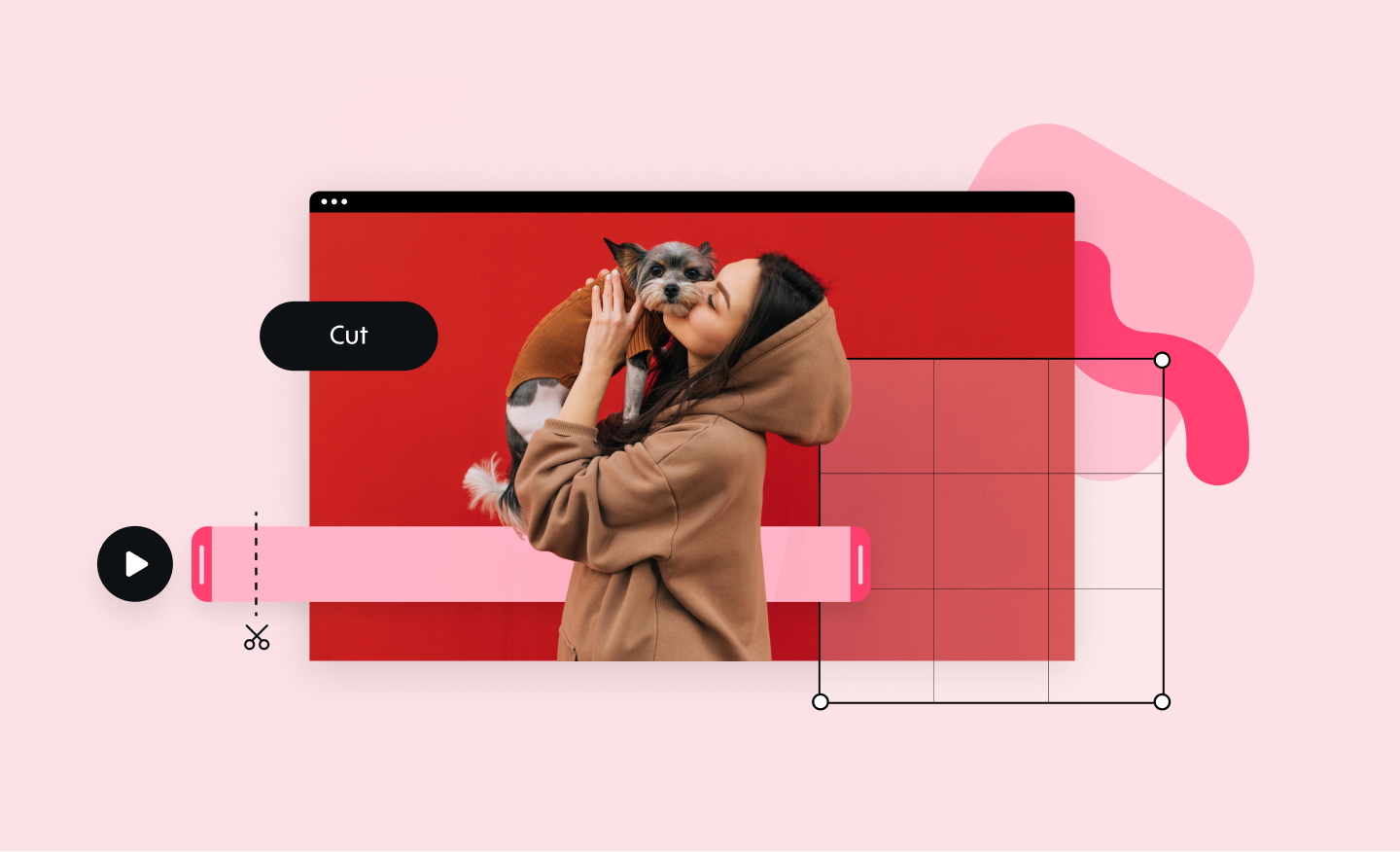
Online Video Cutter
Our online video cutter makes removing any unwanted video footage easy and fast. Cut and trim sections from your video quickly and without losing quality.
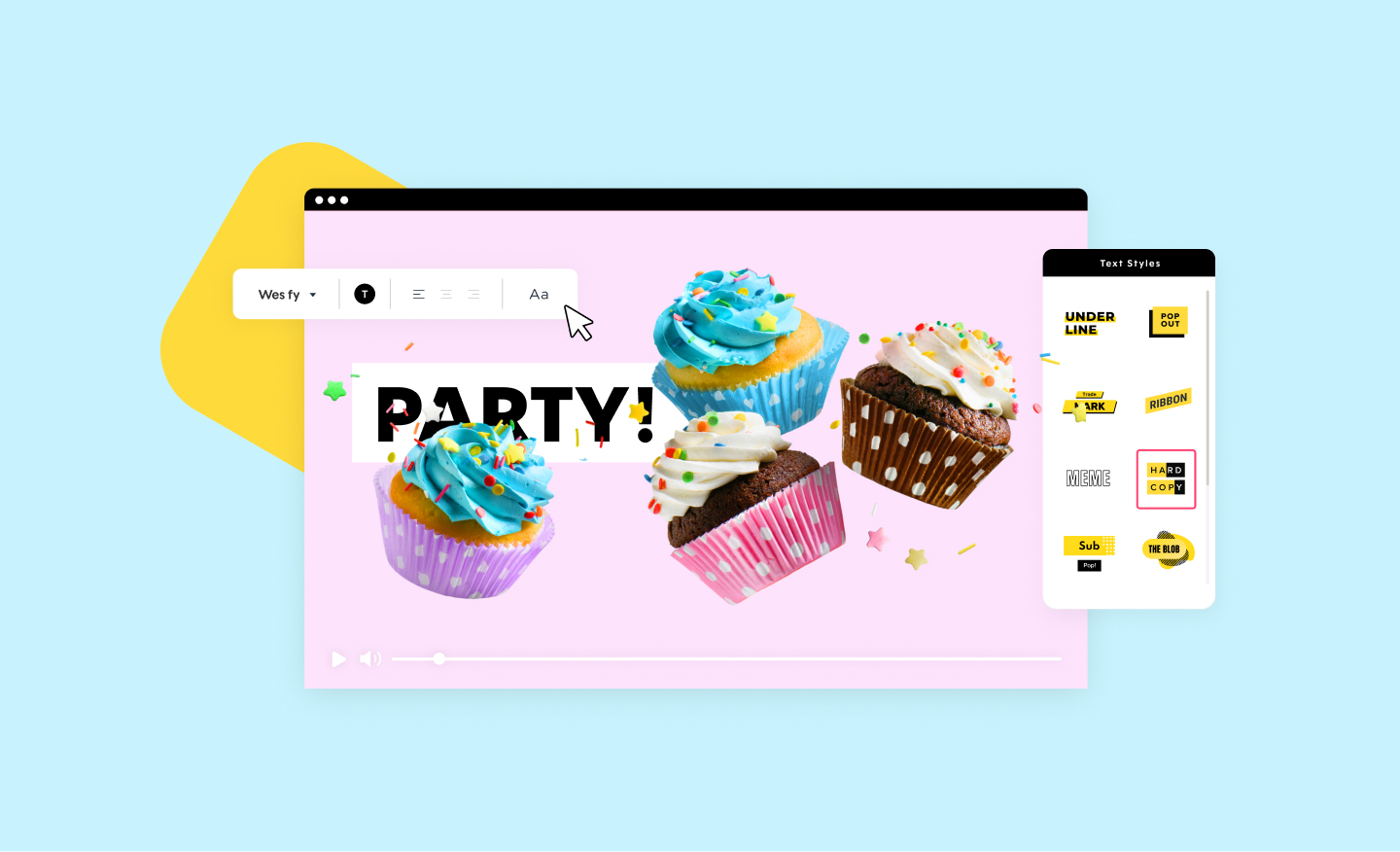
Birthday Video Maker
Create birthday memories that will last forever with Promo.com's easy-to-use happy birthday video maker. A unique and special way to celebrate someone's special day.
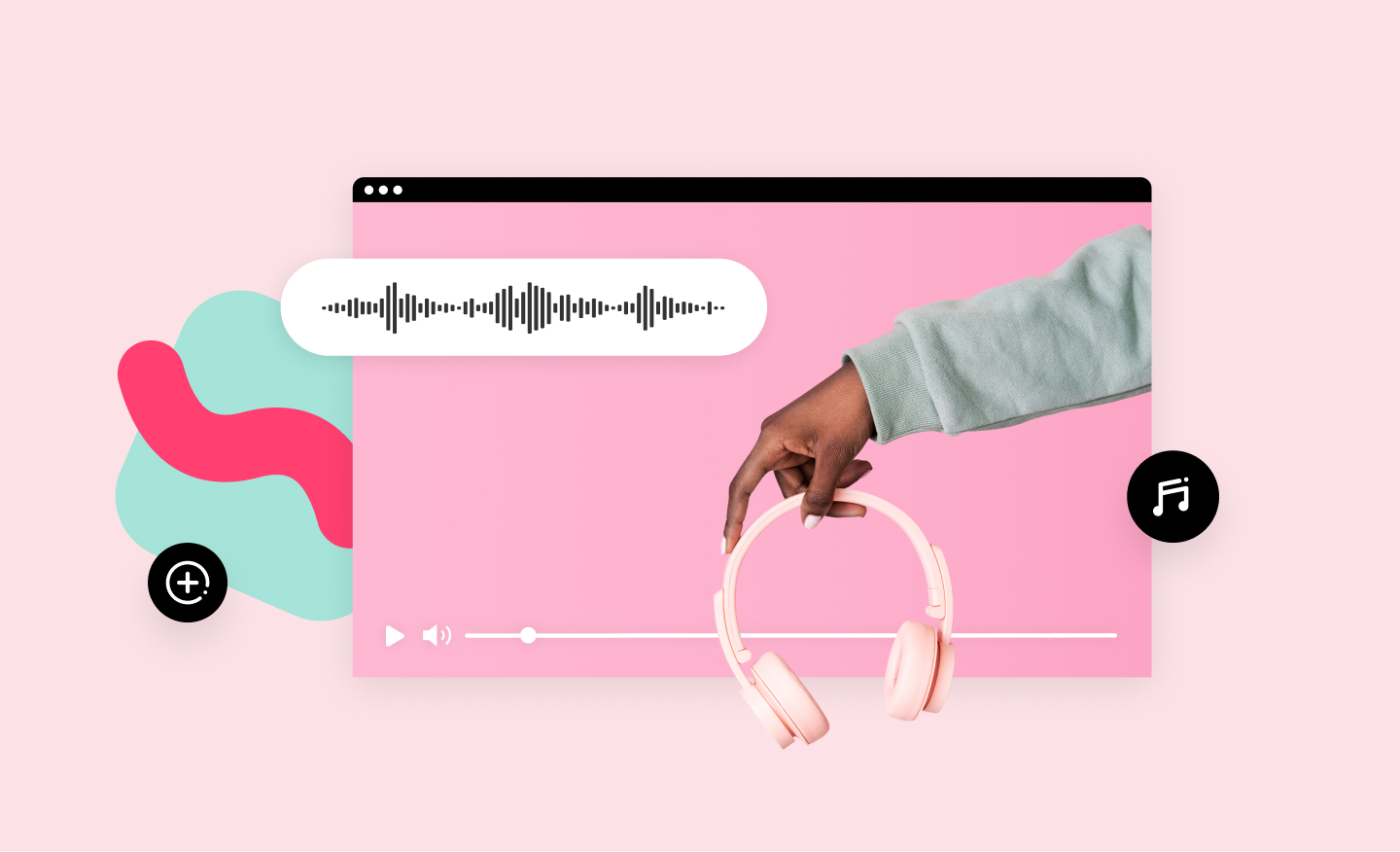
Online MP4 Editor
Create stunning videos and edit your MP4 video files online. Using our MP4 editor you can add your own text, music, and logo. No installation required.
Add Music to Video
Add audio tracks to your video in no time using Promo’s online video editor. It's easy, free and completely online. Upload your own music or choose one from our audio library, pre-approved for all social media platforms.