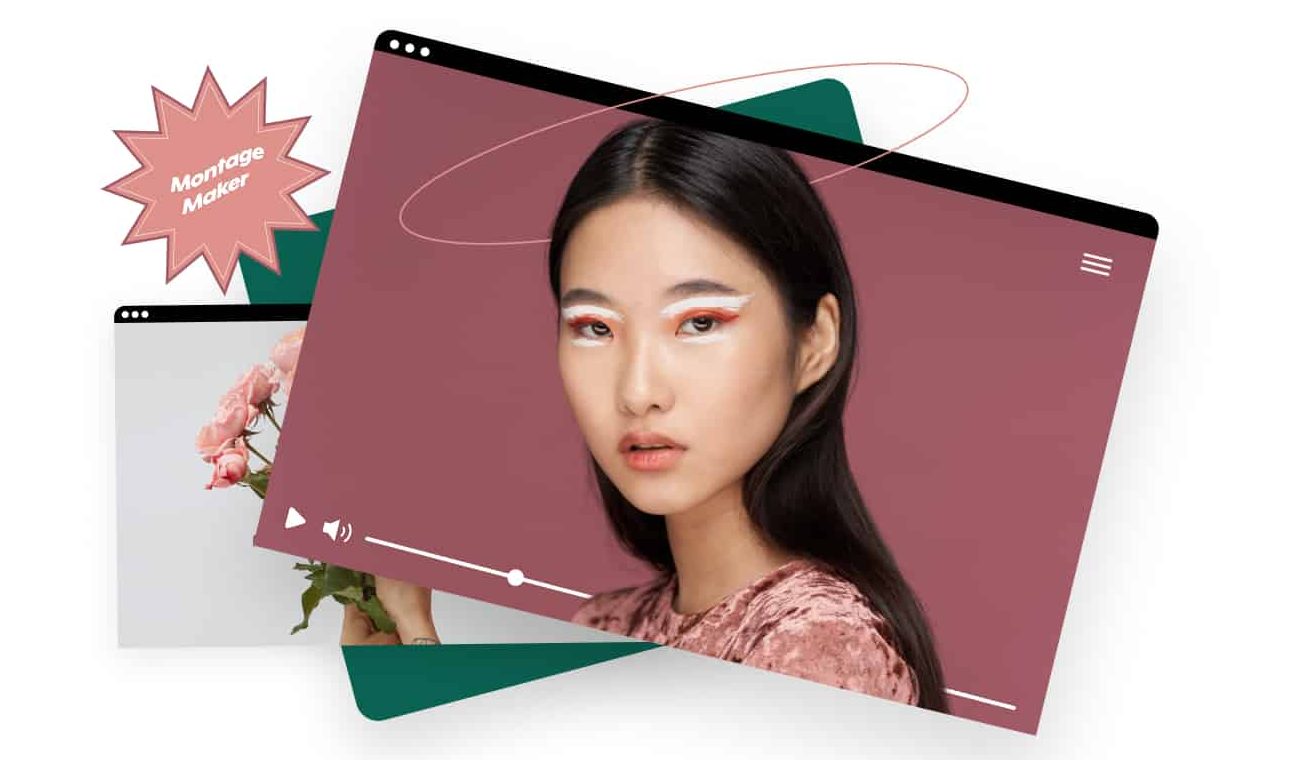
Online Montage Maker
Create and design a photo or video montage straight from your browser in just a few clicks!
Our partners

Montage Maker
Try nowCreate a Montage Video in Minutes
Looking to combine pictures and videos into one perfect montage?
Our Video Montage Maker is the answer! Combine your videos, photos, or both into one powerful video you can easily share. Access millions of photos and videos to boost your montage, use your own footage, or combine the two!
Video Montage with Music
Use our collection of high-quality royalty-free music to find the perfect montage video background. Filter by Genre, Mood, and more to find the best track.
Unlimited Montage Footage Options
Use your own footage for your video montage or merge videos with over 200M photos and videos from iStock and Getty Images available in our online library.
Brand Your Video Montage
With our Montage Maker, you can easily personalize any montage by uploading a logo or watermark and choosing the text style and color to fit your brand. Stand out on every frame!
Design Your Video Montage
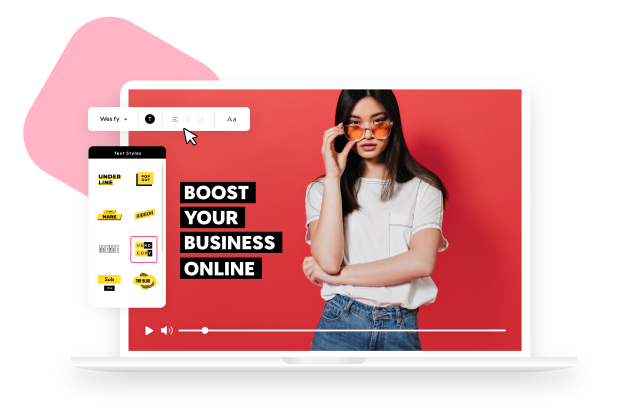
Design your montage by adding captions, customized text, a video outro, and more. Choose from animated transitions and text presets for a designed touch.
How to Make a Video Montage

Upload or Choose Media
Upload your videos and photos or choose from our extensive library of video footage and templates. Take your pick, or use both for that perfect photo montage.

Design Your Montage
In just a few clicks, our design tools will help you capture your audience with personalized animated text presets, transitions, color palettes, and customized font types.

Preview & Publish or Download
After you’ve arranged your videos and photos and designed your slideshow with creative text, colors – and even added your brand logo, you can preview & publish to see your work.
Why Use Promo.com's Montage Maker?
Completely Online
Our Video Montage Maker can be used straight from your browser! No download or installation is necessary! In a few easy steps, create a scroll-stopping video montage.
This is a complete web-based experience where you can immediately begin creating without technical configuration. Whether you are a member of a team or an individual, you can access your projects at any time and from any device.
The smooth online workflow helps you focus on creativity instead of software limitations. Everything is designed to keep your editing process fast and efficient.
Customized Design
Promo offers extensive design tools to express your brand’s voice throughout your video montage to drive engagement. Customize fonts, transitions, music, and more!
These tools allow you to maintain a consistent visual identity across all your videos. You can easily adapt designs for different campaigns, platforms, or audiences.
With flexible styling options, each montage can reflect your brand personality clearly. This level of customization helps your content look polished and professional.
Montage Video Editing Support
Creating the perfect montage is easy with Promo, but just in case you might need help, we are always here for you with our 5-star 24-hour support team.
Our dedicated support team is available around the clock to assist with editing questions or technical issues. Whether you’re new to video creation or working on a detailed project, help is always within reach.
This is a guarantee of a hassle-free experience. You can write with confidence because you can get expert help at any time.
Effortless Online Montage Creation
The ability to produce a beautiful video montage is now easier than ever with the online platform of Promo. You do not need to install any software or even consider the complex setups; all occurs in your browser.
The user-friendly software allows you to organize videos, photos, and music without challenges and concentrate on creativity, not on the technical obstacles. Promo offers a smooth workflow on your projects, regardless of whether you are a first-time content creator or an experienced one.
You can upload media, apply transitions, add captions, and preview your montage in real time. Plus, because everything is cloud-based, your projects are accessible from any device, letting you edit, save, or share your work whenever inspiration strikes.
This combination of convenience and functionality ensures that crafting a professional-looking montage is quick, easy, and enjoyable.
Powerful Customization Options
Promo’s Montage Maker gives you the flexibility to create content that reflects your brand’s identity. Beyond just combining clips, you can add a professional touch through personalized design elements.
Choose fonts, colors, and text styles that match your branding, or select from animated presets for a polished, eye-catching effect.
The highlights of customization are:
- Captions & Text Overlays: Use dynamic captions to add context or story to your montage.
- Transitions & Effects: The clips are seamlessly connected to provide a cinematic flow.
- Logo & Watermark Integration: Make sure that your brand name appears on all frames.
- Music Selection: Select from thousands of royalty-free soundtracks and change the mood and tempo to match your images.
Under these options, every montage would carry a different message but still of a professional level, be it in marketing campaigns, social media, or personal projects.
Tips for Using Promo’s Media Library
- Mix Personal and Stock Footage: Add your personal videos and photos to the stock content in order to make your montage more exciting and professional. Personal video makes it more real, whereas stock video can be used to bridge the space or complement the narrative.
- Use Filters and Categories: Take advantage of Promo’s library search tools. Filter by category, mood, or resolution to quickly find the visuals that perfectly match your montage theme.
- Maintain Consistent Style: Choose images and clips that align with your montage’s color scheme and tone. Consistency in style helps make the video feel cohesive and polished.
- Leverage High-Resolution Media: Always pick HD or 4K footage for sharper, more visually appealing results, especially if your montage will be shared on larger screens or social media platforms.
- Experiment with Layering: Try layering stock images or video clips with your own media. Overlay effects, captions, or transitions to add depth and make your montage more engaging.
- Stay on Brand: In choosing stock media, it must be one that will support your brand image. Messages, themes, and images must help support your message without making your montage appear to be amateurish.
What Our Clients Say
Frequently Asked Questions
Is Promo’s Montage Maker Hard to Use?
Promo.com’s montage creator is so user-friendly and can be used straight from your browser. You can create a picture montage or video montage in just a few easy steps that can include text, music, and more. Simply upload, edit, save, and download using our streamlined montage editing tools.
How to Make a Video Montage and Add Music?
Upload your videos and photos to Promo.com’s video editor. You can also add more media from our library of over 200M premium HD videos and images. On the left side panel, you’ll also find a Music tab.
You can filter through our royalty-free, high-quality MP4 tracks by Genre, Mood, and Tempo to find the perfect montage music for your video. Once you’ve selected your options and reviewed your video, simply download or share using our montage video maker.
What's the Best Photo Montage Maker?
Promo’s Montage Maker is user-friendly, provides amazing design tools that allow you to customize your message, and has an extensive library of both popular footage and creative video templates. You can also choose from over 110M Getty Images to create a highlight of your brand’s video montage, making it an ideal photo montage maker.
How to Make a Montage and Add Text?
Upload your videos and photos or choose from our exclusive video template library. Then, in the editor, click the round pink plus sign to the left of the timeline and select “Add Caption” from the dropdown menu. When the window on the footage pops up, edit your captions in the frame. That’s it — an easy way to make a photo montage with text.
How to Make a Video Montage in Different Sizes?
After uploading and editing your montage video in Promo’s video editor, you can either click the ratio dropdown at the upper right corner of the top header or choose different ratio sizes when you download from the Publish Page after clicking Save & Preview.
A selection of dimensions includes square, wide, and vertical, making it easy to create content similar to a photo slideshow maker with music, a picture collage maker, or even make a picture collage for social media.
Can I Collaborate with My Team on a Montage?
Yes! The cloud-based platform of Promo enables various users to access the same project from different devices. You can share your montage drafts with your teammates, edit them in real time, and comment on them to facilitate the collaboration process. This works best when it comes to marketing teams, agencies, or group projects.
Can I Export My Montage for Social Media?
Yes! The cloud-based platform of Promo enables various users to access the same project from different devices. You can share your montage drafts with your teammates, edit them in real time, and comment on them to facilitate the collaboration process. This works best when it comes to marketing teams, agencies, or group projects.
Not Just a Video Montage Maker
If you’re looking for an online montage maker, our online editor is as simple and awesome as it gets. However, there’s much more to do on Promo.com. Explore our collection of online tools and start creating better videos.
Explore More Online Tools
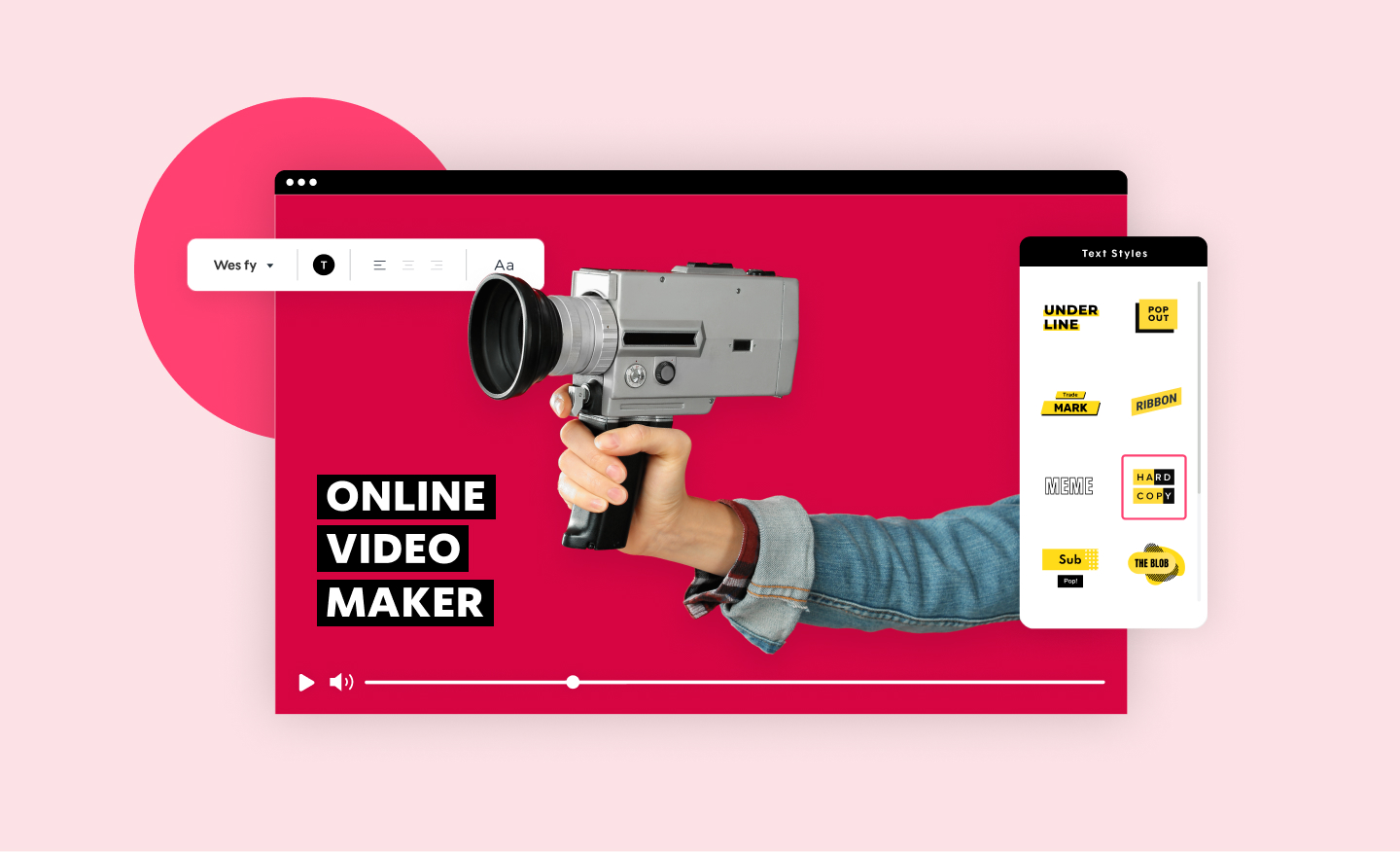
Online Video Maker
Promo.com's Video Maker allows you to create a video online in minutes. Choose from Video Templates or browse our stock collection using Our Free Online Video Maker.
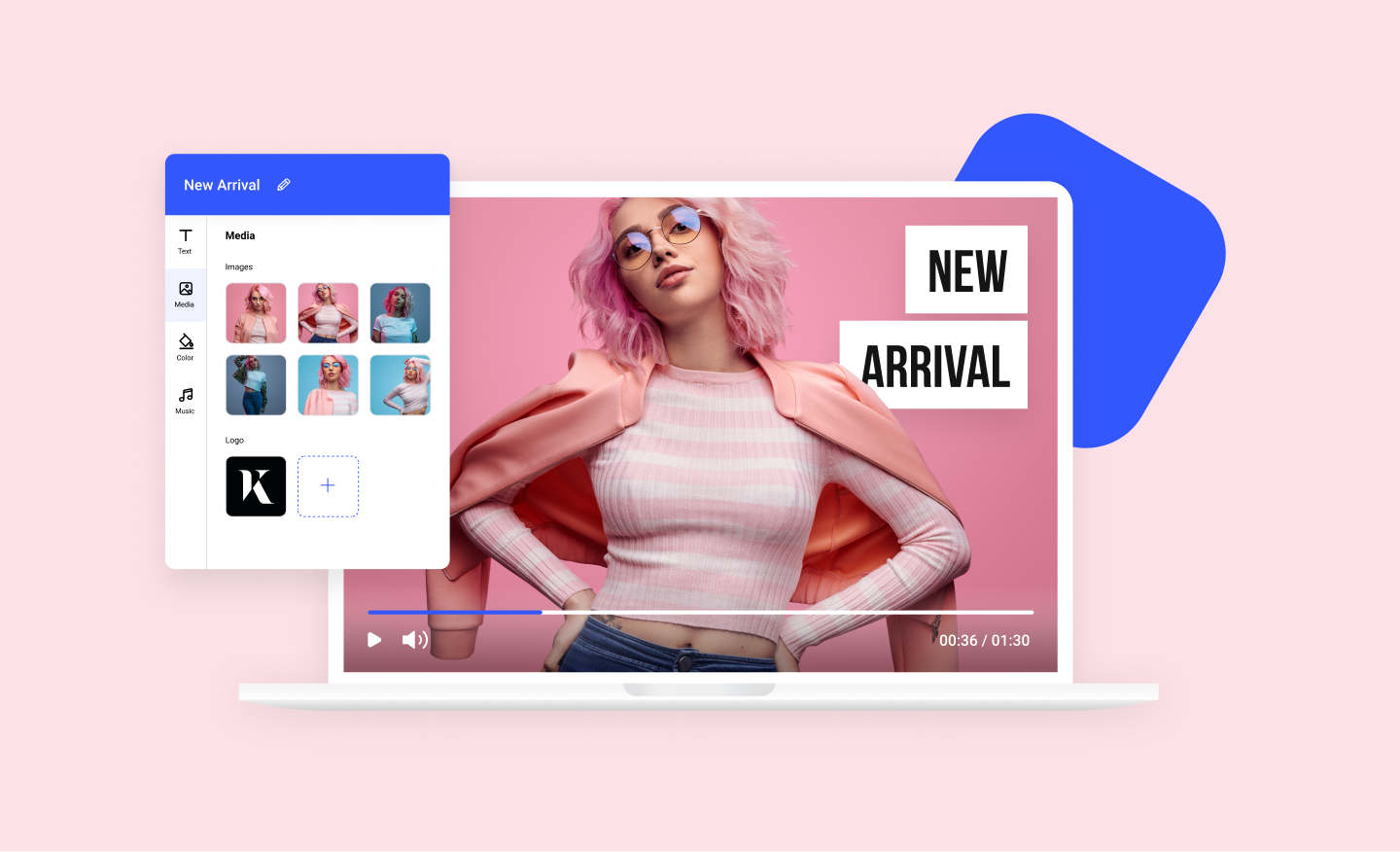
Photos to Video Maker
Any image can now become a dynamic video using our photos to video maker. Add your photos to any of our scroll-stopping video templates and watch your images come to life.
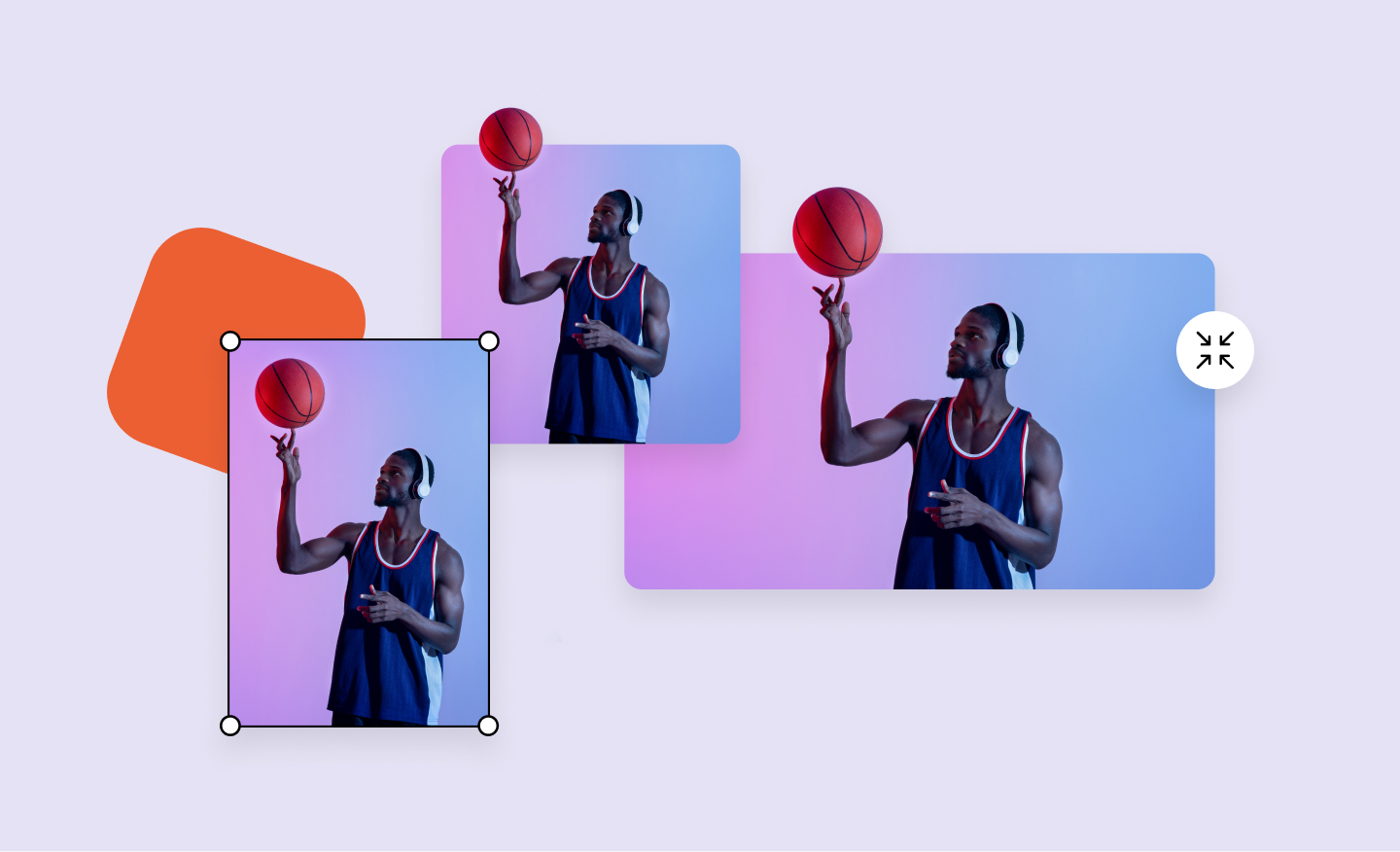
Free Image Resizer
Our powerful image resizer will change the dimensions of your image for over 100 web and social media formats in a click. Wow your followers with perfect-looking photos.
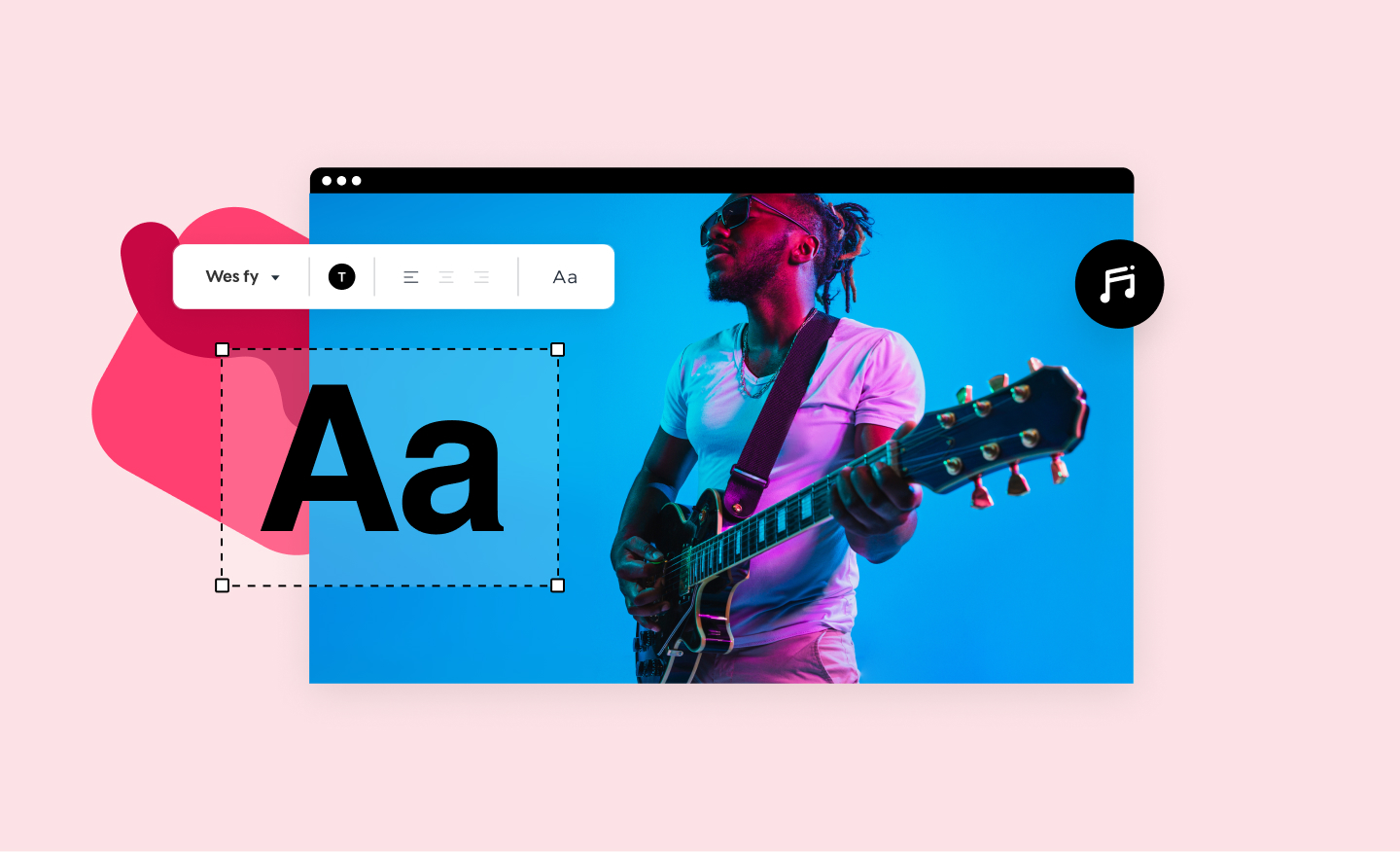
Lyric Video Maker
Upload any video and paste in the text in the style of your choosing! No download necessary, it's fast, it's easy, and it's free!