YouTube Thumbnail Maker
Design your own YouTube video thumbnails easily. No previous experience is needed!
Our partners

Thumbnail Maker
Try it nowCreate Amazing YouTube Thumbnails in Minutes
Easily design your own YouTube video thumbnails. No past experience is required! With an intuitive and user-friendly YouTube thumbnail creator, anyone can build a sight-catching image that immediately catches the attention of the viewers and makes them press the click button.
Professionally created thumbnails are very important, whether you are promoting a vlog, tutorial, product review, or brand video, because in crowded feeds, you need to stand out.
This user-friendly tool provides you with customizable templates, high-quality visuals, and the ability to easily edit and create an interesting video thumbnail without much stress and in a short period of time.
It allows you to customize colors, fonts, pictures, and designs to the exact size and appearance to suit your brand and message in only a few clicks. No downloads, no sharp learning curve, just smart design made simple.
Design scroll-stopping, attention-grabbing thumbnails and improve the performance of your videos on YouTube, even when you have never created a thumbnail in your life.
Our YouTube thumbnail maker enables you to create custom thumbnails in minutes that encourage viewers to stop scrolling and take a look.
The best part?
You don’t need to be a designer or software pro. Our online tool makes it super easy and fast.
Brand Your Channel Instantly
Once you upload your brand watermark, font, and colors to our editor, they are automatically saved for every project, making it easy and fast to create branded thumbnails. This all-in-one thumbnail maker helps maintain visual consistency across your channel. As a professional thumbnail creator, it speeds up production while reinforcing brand identity, allowing creators and businesses to scale content without repeating design work.
Design By Yourself
No design skills?
No problem. Our custom-made text animations will give your thumbnail the professional look you desire. Pair them with your choice of font and color, and you’re good to go. This intuitive thumbnail generator simplifies the creative process and delivers polished results. Even as a free thumbnail maker, it empowers anyone to design compelling thumbnails with confidence.
More than 110M Thumbnail Options
Powered by Getty Images and iStock, search our massive library of premium photos and videos until you find the perfect frame for your thumbnail. With access to over 110 million assets, this advanced thumbnail maker ensures endless creative flexibility. The built-in thumbnail generator helps you produce visually striking thumbnails that capture attention and drive clicks effortlessly.
No Installation Required
No need to download anything. Our YouTube thumbnail maker is available straight in your browser; no installation is necessary. This cloud-based, free thumbnail maker lets you design instantly from any device. As a modern thumbnail creator, it saves time, storage space, and setup effort—making thumbnail creation fast, seamless, and accessible anywhere.
How to Use Promo.com's YouTube Thumbnail Maker
Creating high-quality YouTube thumbnails is simple and fast with Promo’s intuitive tools. Follow these easy steps to design a professional YT thumbnail that boosts clicks and enhances your video’s visibility.

Upload Your Video & Edit
Upload your own video to Promo’s editor or create one from scratch using our video editing tools and media library. Choose the frame you want for your video thumbnail and pair it with any text style, font, and color for the perfect result.
Make sure to keep the video in wide format. This powerful thumbnail editor lets you fine-tune every YouTube thumbnail for maximum impact using the YouTube thumbnail maker.

Preview & Publish
After your video is uploaded, click on Preview & Publish to open the publish page. Then click on Publish. Once your video is ready, the publish screen will show you several publishing options.
This step ensures your thumbnail YouTube design appears exactly as intended. With Promo’s YouTube thumbnail maker, you can confidently review your YouTube thumbnails before exporting.

Export as Photo
Choose the Export as photo option, and a pop-up will appear with your video. Scroll with the menu bar, pick the image you want to use for your YouTube thumbnail. Choose the best ratio (16:9) option located next to the scroll bar. Then click on Export as Photo in the pop-up window. Your YT thumbnail JPG will download instantly, ready to upload as a polished YouTube thumbnail.
Why Create Thumbnails For YouTube
A compelling thumbnail is one of the most powerful tools for increasing visibility, clicks, and engagement on YouTube, helping your videos stand out in a crowded feed.
Boost Views
After you have done the work and completed your video project, you want to grab your audience’s attention. According to YouTube, 90% of their best-performing videos have custom thumbnails. Statistics also show that thumbnails increase your channel’s engagement by 154%.
What are you waiting for?
Using a free YouTube thumbnail maker helps maximize click-through rates and encourages viewers to choose your content over others.
Makes the Best First Impression
You must know already that you usually get one chance to make a first impression. Don’t let YouTube make the call for you.
Create your own YouTube video thumbnail and make sure your videos get seen. A professional YouTube thumbnail creator ensures your branding, message, and visual style are communicated instantly and consistently.
It's super easy, fast and free
Not only do we make it easy to create professional-looking YouTube thumbnails that you can design and create specifically for your video content, but our YouTube thumbnail maker is easy to use and free!
All you need to do is sign up and access our wonderful world of video tools. A smart YouTube thumbnail generator removes complexity and speeds up creation.
Customize with Ready-Made Templates
With professionally designed YouTube thumbnail templates, you can create engaging visuals without starting from scratch. These templates allow you to adjust layouts, fonts, colors, and imagery while maintaining a cohesive look.
Using a flexible YouTube thumbnail generator ensures consistency across your channel and helps every video feel polished and recognizable.
Download and Use Anywhere
Once you have a design, you can easily have the thumbnail files in YouTube optimized for performance. With an instant YouTube thumbnail download, your thumbnail is saved in an optimal format and resolution on YouTube.
This guarantees a quicker upload and gives your visuals a sharp appearance on any device and screen size.
What Our Clients Say
Frequently Asked Questions
What size should a YouTube thumbnail be?
On YouTube, a preview image appears before a user clicks on a video and is known as a thumbnail. It is a crucial factor in capturing attention, getting the message of your video across, and increasing your click-through rates. The powerful thumbnail can make the difference between the watched and the ignored video.
How big is a YouTube thumbnail?
In order to create a thumbnail, visit a specialized YouTube thumbnail creator, such as Promo.com, select an image or frame, include text, add branding, and export it in the right size. There is no design experience needed, and the process only takes a few minutes.
What size should a YouTube thumbnail be?
The right YT thumbnail size is always 16:9, which is the ‘wide’ option you can choose when you Export as a photo on Promo.com’s YouTube thumbnail maker. This YouTube thumbnail aspect ratio ensures your image displays correctly across all devices without cropping or distortion.
How big is a YouTube thumbnail?
The correct YouTube thumbnail dimensions are 1280×720 pixels, with a minimum width of 640 pixels. Be sure to choose the ‘wide’ (16:9 ratio) setting when using our thumbnail maker for YouTube to maintain optimal quality and visibility.
What font should I use for a YouTube thumbnail?
The best YouTube thumbnail font is bold, clear, and easy to read on small screens. Sans-serif fonts with strong contrast work best, especially when paired with simple backgrounds and short text.
Can I edit thumbnails online without downloading software?
Yes. Promo.com’s YouTube thumbnail editor works directly in your browser, allowing you to create, edit, and export thumbnails without installing any software.
Why is the aspect ratio important for YouTube thumbnails?
Using the correct YouTube thumbnail aspect ratio (16:9) prevents your thumbnail from being cropped or resized incorrectly, ensuring it looks professional across desktop, mobile, and TV screens.
Not just YouTube thumbnails
Promo’s YouTube thumbnail maker lets you effortlessly create customized thumbnails that drive engagement and boost views. But we also offer so much more.
Discover the unlimited world of video creation on Promo.com with our amazing tools. Beyond designing eye-catching visuals, you can edit videos, add animations, apply branding, and optimize every detail using our advanced YouTube thumbnail editor.
Whether you’re adjusting the perfect thumbnail size or selecting the ideal thumbnail size for YouTube, our platform ensures your visuals meet best-practice standards every time.
With the help of an intuitive AI thumbnail maker, creating professional designs is faster and smarter than ever. Once your design is complete, use our built-in thumbnail downloader to instantly save and upload your thumbnails without extra steps.
From thumbnails to full video campaigns, Promo.com gives creators and businesses everything they need to stand out, grow audiences, and produce high-impact content with ease.

Explore More Online Tools
Video Editor for YouTube
YouTube Video editor from Promo.com. Take your YouTube videos to the next level with our online video maker. Easily create, edit and trim YouTube videos in minutes!
Free Image Resizer
Our powerful image resizer will change the dimensions of your image for over 100 web and social media formats in a click. Wow your followers with perfect-looking photos.
Promo Video Maker
Create a standout video for your company or business in minutes. Choose videos, images, and music from our premium stock library or upload your own for a professional and impactful result.
Meme Maker
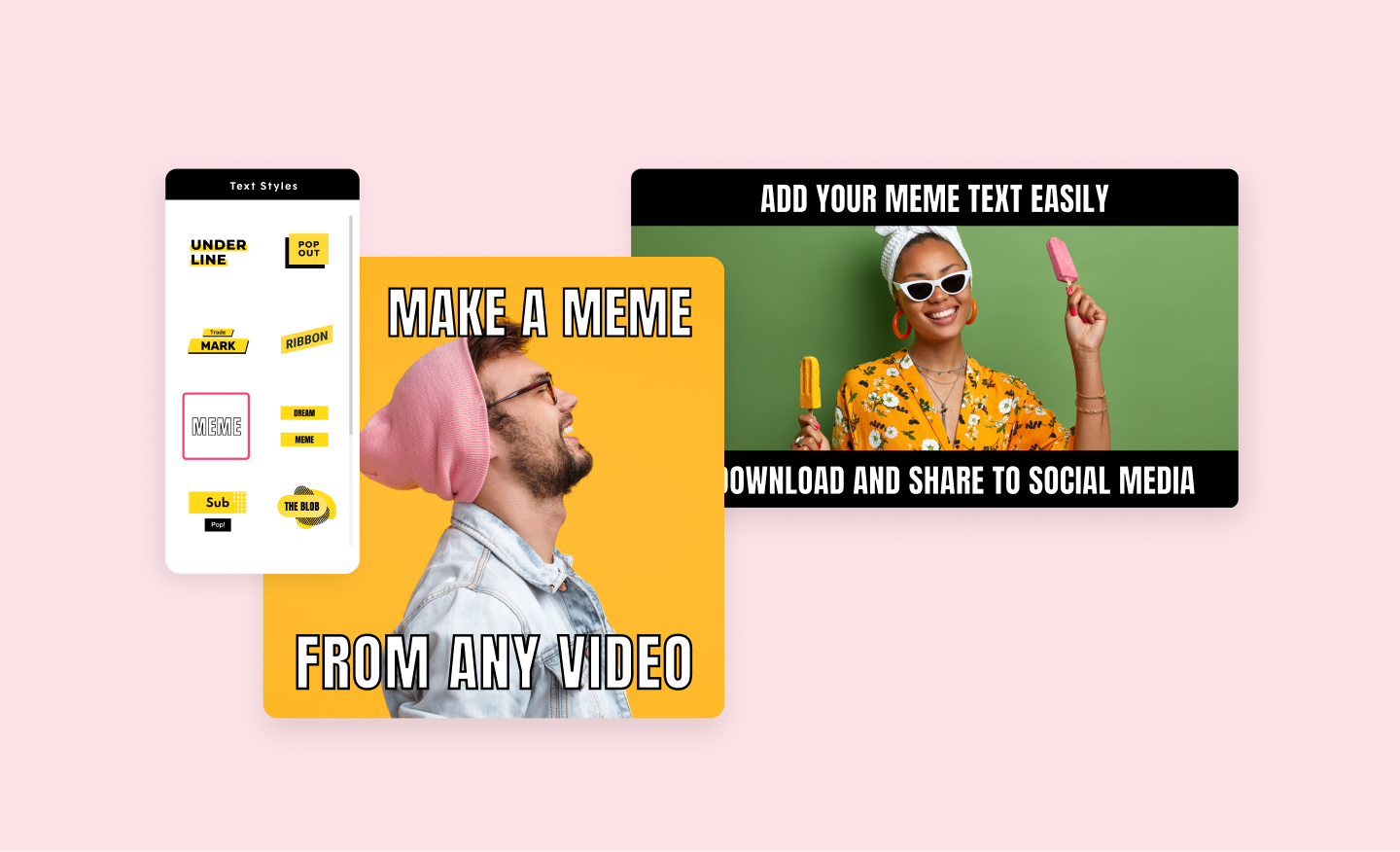
Promo's video meme generator will help you create the funniest video memes in minutes. Use your own images or choose from our vast library. Add your choice of text and you are ready to be viral.